


In Finder, you can set up rules for sorting results that will apply to searches within your shop. This allows you to adjust the position of certain products within each search.
You can create multiple rules and sort them based on how you want different results to be sorted in your shop’s customer search results.
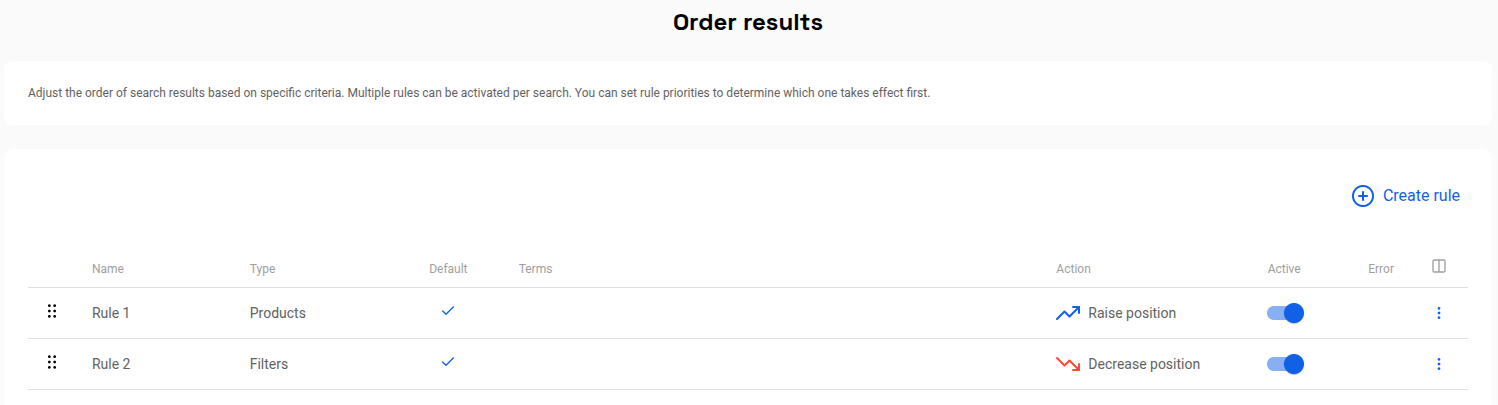
Activation #
Each rule for sorting results can be enabled or disabled.

Default rule #
You can enable this option to apply a rule to all searches.
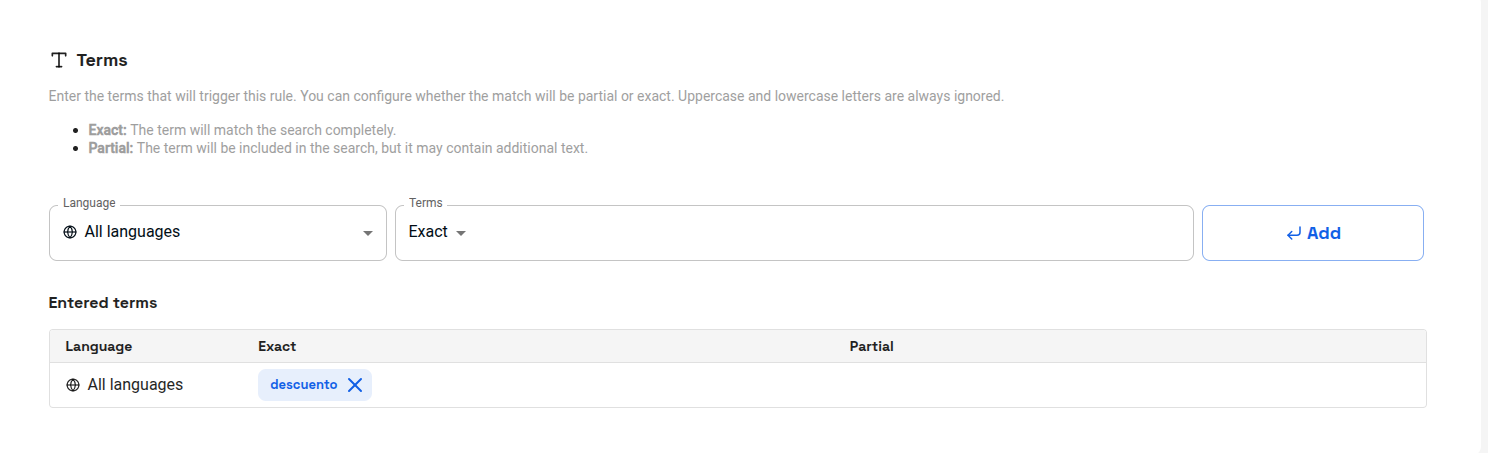
Terms #
If you configure the rule so that it is not a default rule, you must enter the terms that will activate each rule to sort results. You can choose whether the term is applied partially (when it is part of a search with more words) or exactly (when the exact term is searched for). The search does not distinguish between upper and lower case letters.
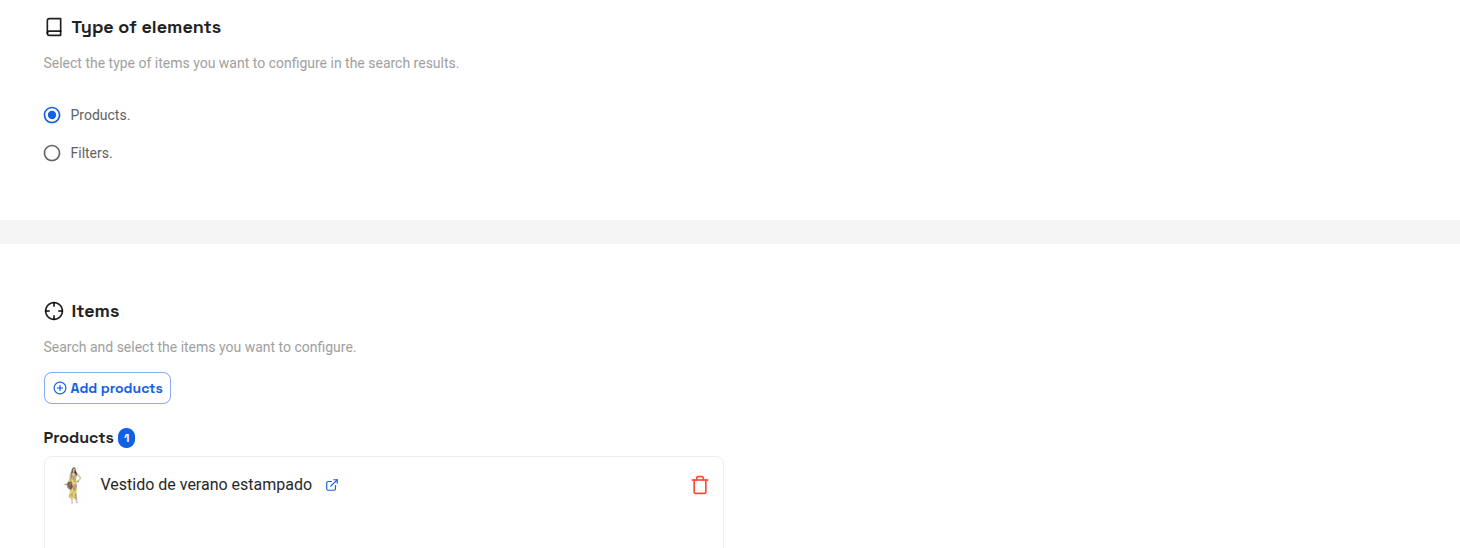
Type of elements and Items #
You can search for and add products or filters. If these products, or products that match the selected filters, appear in the search results, they will be affected by the rule in question, thus modifying their position within the results.
Action #
Finally, you must choose whether applying the rule will affect the selected items by placing them at the top or bottom of the results list.



